01 / ENHANCE⌥ space
Make the draft clearer.
Strengthen structure, detail, and useful constraints while preserving what you meant.
Clarify · strengthen · preserve
 Mac Prompt Rewriter For ChatGPT, ChatGPT Work, and Codex on Mac
Mac Prompt Rewriter catches the draft in your focused composer, gives it a sharper pass, and places the result back in the composer. Your send button stays yours.
In preparation · Source edition · local build required · macOS 14+ · your own ChatGPT sign-in
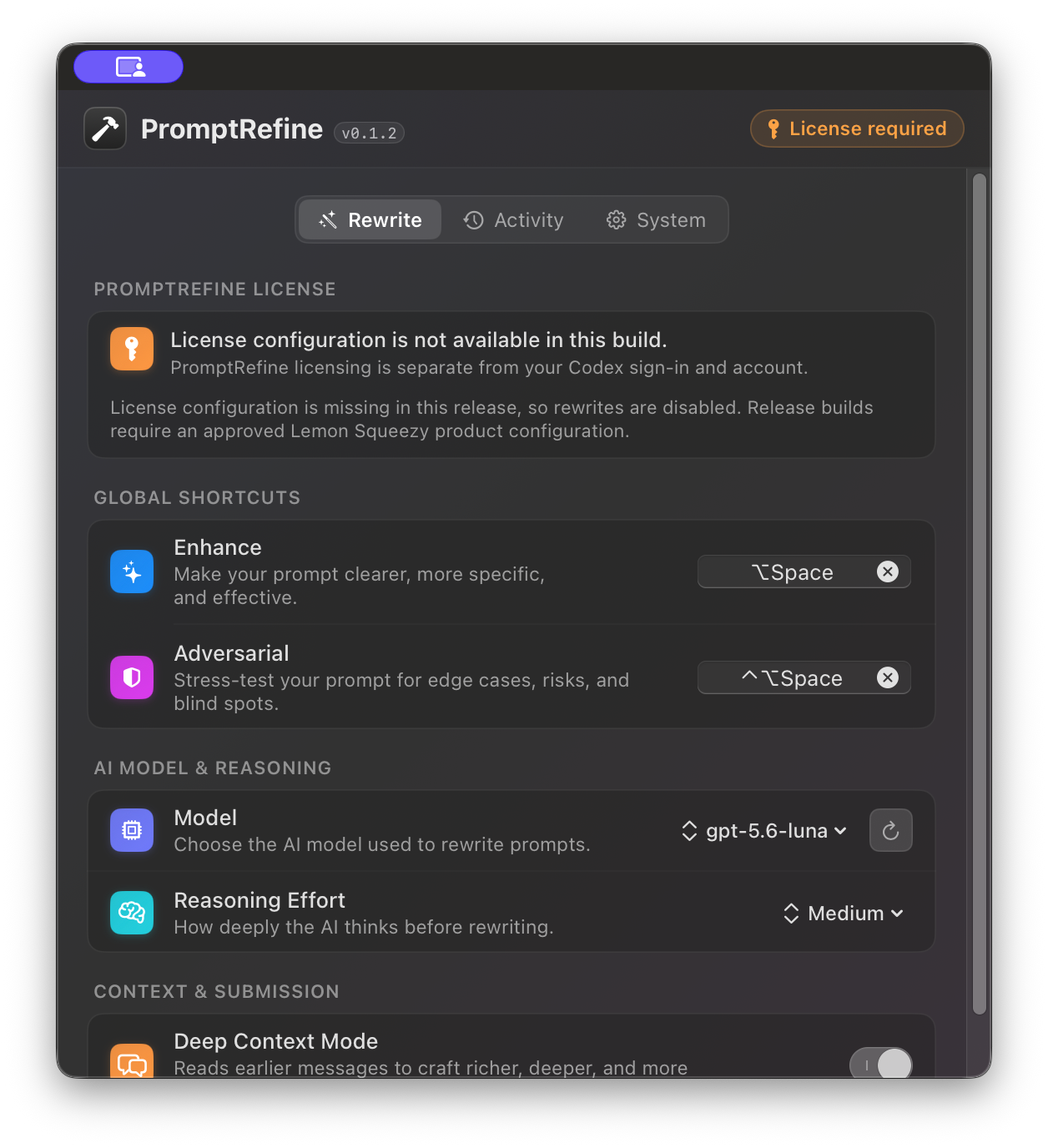
Choose the kind of help you want. Edit the guidelines. Keep the result in your hands.
Strengthen structure, detail, and useful constraints while preserving what you meant.
Turn the draft into a constructive request that tests assumptions, evidence, risks, and alternatives.
Draft
“Help me make this plan better.”
Buttons swap a written example. No prompt is sent.
Turn this into a concise, actionable team plan. Preserve the goal, surface key tradeoffs, and end with the next three steps.
Mac Prompt Rewriter follows the shortest path that keeps the important parts safe.
Focus a supported ChatGPT, ChatGPT Work, or Codex composer and press a shortcut. Mac Prompt Rewriter keeps the original text and destination in view.
Use your own ChatGPT sign-in. Launch scope is draft-first; contextual history stays off until account isolation is verified.
The finished result returns to the unchanged composer. If the destination changed, Mac Prompt Rewriter leaves it alone.
Sales and downloads are not open yet. Read the setup and privacy model now; the release switch will only expose a real checkout and verified download.